
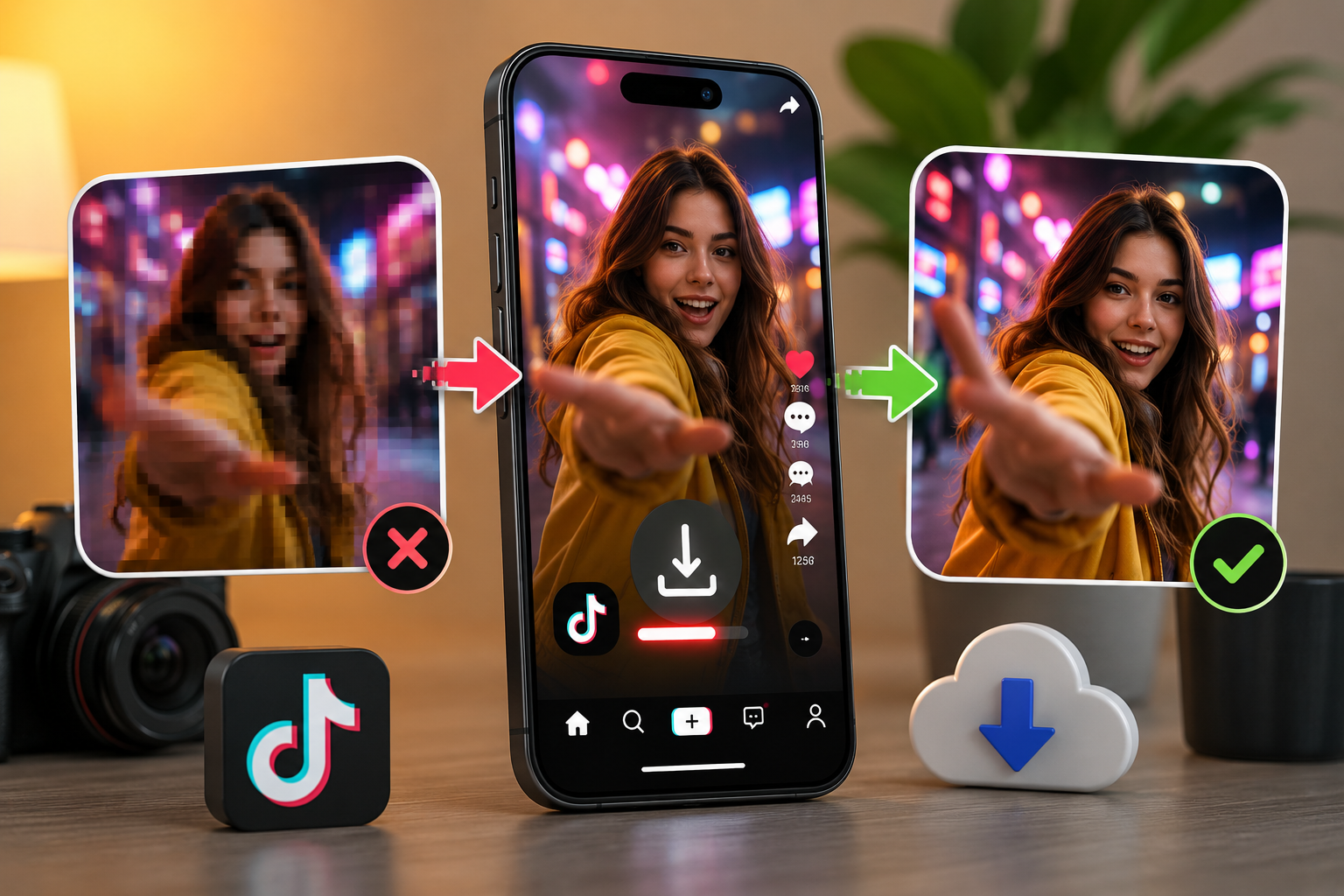
Why Do TikTok Videos Lose Quality After Downloading? (And How to Fix It)
Ever wondered why your downloaded TikTok videos look worse than the original? This guide breaks down exactly why quality drops after downloading and shares simple, practical fixes to help you save sharp, HD, watermark-free videos every time.
Ever noticed a drop in TikTok video quality after downloading your favorite clips? You're not alone — it's one of the most common issues people face when saving videos from the app. In this article, we'll explain exactly why this happens and how to fix it, so you can start saving crisp, high-quality videos every time.
Why Does TikTok Compress Videos in the First Place?
Every time a video is uploaded to TikTok, the platform runs it through a compression process. TikTok is built to serve videos instantly to hundreds of millions of users across every kind of device and internet connection, from high-speed fiber to slow mobile data in remote areas. To make that possible, TikTok shrinks file sizes dramatically so videos load fast and don't eat up huge amounts of data.
This compression reduces the bitrate of the video, which is essentially the amount of data used to represent each second of footage. Lower bitrate means smaller file size, but it also means less detail, more artifacts, and a softer overall image. So in many cases, the video has already lost some of its original quality before you even hit the download button — TikTok compressed it the moment it was uploaded.
What Causes Quality Loss When You Download TikTok Videos?
Compression on TikTok's end is only part of the story. Quality loss can also happen during the actual download process, especially if you're using an unreliable tool or method. Here are the most common culprits:
- Screen recording instead of downloading — Many people record their screen while a TikTok video plays, which captures a lower-resolution version full of compression artifacts, plus any lag or frame drops from your device.
- Low-quality third-party tools — Some downloader websites and apps re-compress videos again during the save process to reduce their own server load, which stacks a second layer of quality loss on top of TikTok's original compression.
- Watermark overlays — Tools that add or fail to properly remove TikTok's watermark can distort the video during processing, especially around the edges of the frame.
- File format conversion — Converting a video from one format to another (for example, from the original codec to a heavily compressed MP4) can degrade quality if it isn't done carefully.
Understanding where the quality loss happens is the first step toward avoiding it.
How Can You Download TikTok Videos Without Losing Quality?
The most reliable fix is simple: use a reliable tiktok video downloader that pulls the video directly from TikTok's servers instead of screen recording or relying on tools that re-encode the file. A direct download preserves the resolution and bitrate as closely as possible to the original upload, since it's not adding an extra layer of compression on top.
A few practical tips to get the best results:
- Always choose the highest resolution option available when the downloader gives you a choice.
- Avoid screen recording — it's the single biggest cause of visible quality loss.
- Use a downloader that processes videos server-side rather than through your browser, since this usually preserves quality better.
- Save the file in its original format rather than forcing an unnecessary conversion.
Following these steps makes a noticeable difference, especially for videos you plan to repost or edit further.
Is There a Way to Download TikTok Videos Without a Watermark?
Yes, and this is often where people run into quality issues without realizing it. Many free tools claim to remove TikTok's watermark, but in the process they crop, resize, or re-render the video, which can soften the image and introduce compression artifacts.
The better approach is to use a tool built specifically to strip the watermark cleanly during the download itself, rather than editing it out afterward. This keeps the frame intact and avoids the extra processing step that usually causes quality to drop. If you want to see exactly how this works, our detailed guide on how to download tiktok video with out watermark walks through the process step by step, showing you how to save clean, high-quality videos in just a few seconds.
Final Thoughts
TikTok videos don't have to lose their sharpness and clarity just because you downloaded them. Most quality loss comes down to two things: TikTok's own compression during upload, and the method you use to save the video afterward. By skipping screen recording, avoiding tools that re-compress your files, and choosing a downloader that pulls videos directly from the source, you can keep your saved TikToks looking as close to the original as possible — clean, sharp, and watermark-free.
Frequently Asked Questions
Why does my downloaded TikTok video look blurry compared to the app? This usually happens because the video was compressed twice — once by TikTok during upload, and again by a low-quality downloader tool during the save process. Using a downloader that pulls the file directly from TikTok's servers avoids this second layer of compression.
Does screen recording reduce TikTok video quality? Yes, significantly. Screen recording captures whatever is displayed on your screen at that moment, including any streaming compression, plus your device's own recording limitations. This almost always results in a lower-quality copy than a direct download.
Can I download TikTok videos in HD or the original resolution? In many cases, yes. If the original upload was in HD, a good downloader will let you save it in that same resolution rather than automatically compressing it further. Always pick the highest quality option offered.
Will removing the TikTok watermark affect video quality? It can, but only if the tool you're using crops, resizes, or re-encodes the video to remove the watermark. Tools built specifically for clean watermark removal avoid this issue and preserve the original video quality.
Is it safe and free to download TikTok videos? Yes, as long as you use a trustworthy downloader and only save content for personal use or with proper permission. Free tools like TikGrabs let you download videos quickly without needing to install any software.
Related posts

Ready to download?
Paste a public TikTok link and save a clean MP4, MP3, story, or slideshow.
Open video downloader