
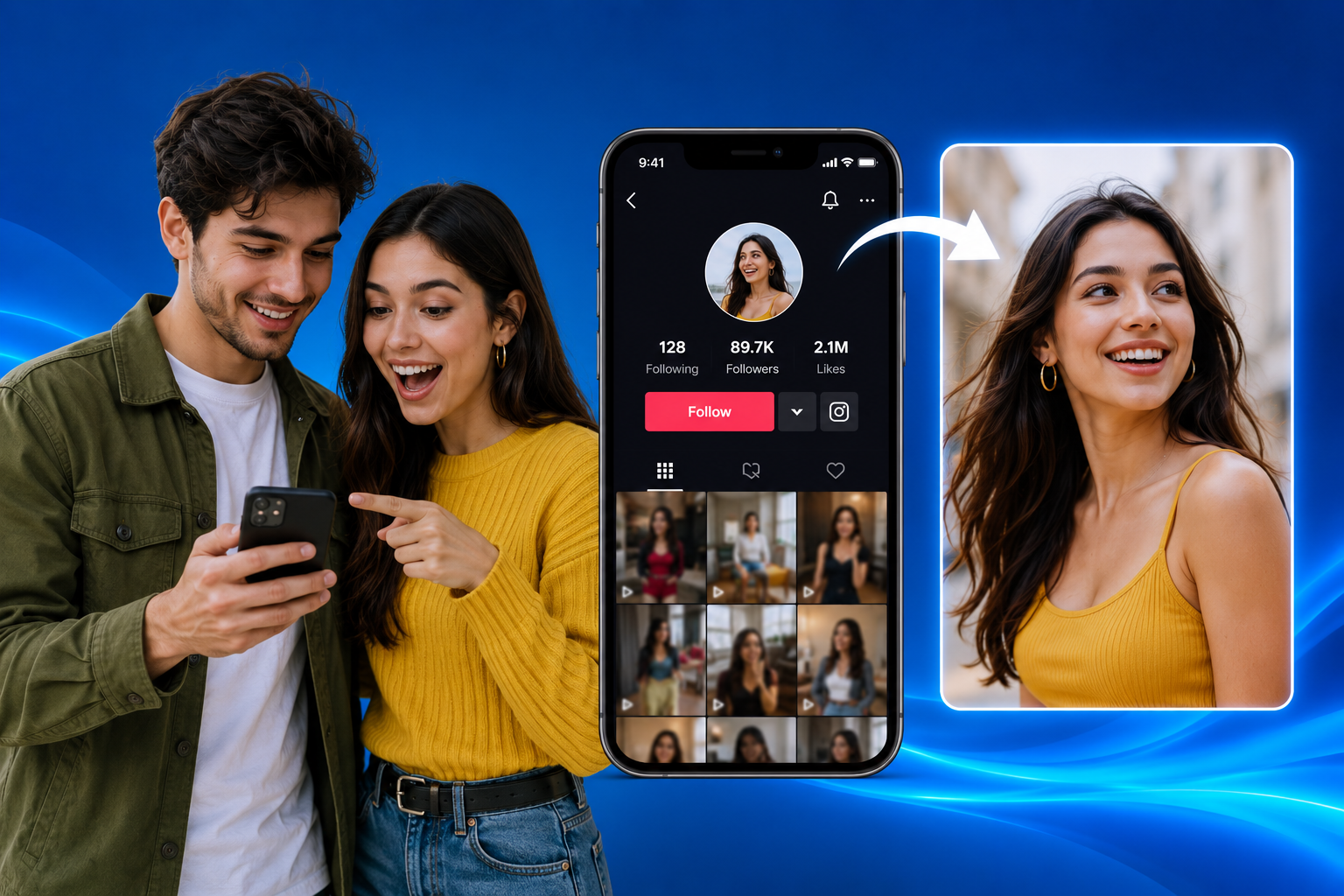
How to Download Full-Size TikTok Profile Pictures in 4K Quality
Screenshots leave TikTok profile pictures blurry and cropped. Here's how to actually download one at full resolution — and the honest truth about whether "4K" is really possible.
A TikTok profile picture can look perfectly sharp sitting in its little circle at the top of someone's profile. Save it the usual way — a screenshot, a long-press, whatever's fastest — and the result is smaller than expected, a little soft, sometimes with a corner of the app's interface caught in the frame. The obvious question follows: how do you actually download full-size TikTok profile pictures instead of whatever a screenshot happens to produce?
The honest answer has a few layers to it, and understanding them makes the whole process a lot less confusing.
Why TikTok Profile Pictures Look Small to Begin With
TikTok displays profile pictures at a fairly modest size across most of the app — the small circular thumbnail on a profile page, a slightly larger version when someone taps to expand it. Neither view is designed to show off resolution; both are optimized for fast loading and a clean layout, not for someone trying to save a high-quality copy later.
That's the root of the frustration. The image itself might be perfectly fine in terms of quality — it's the display that's small, not necessarily the source file. Confusing the two is where most of the disappointment with screenshots comes from.
What "Full-Size" Actually Means
"Full-size" doesn't mean TikTok secretly hides a giant version of every profile picture somewhere. It means retrieving the image at the resolution it was actually uploaded and stored at, rather than the shrunken, on-screen version the app displays.
In practice, that's usually noticeably better than a screenshot — sharper edges, no interface elements accidentally included, no extra compression from your device's own screenshot process stacked on top of TikTok's. Just don't confuse the two claims. "Full-size" and "guaranteed 4K" aren't the same thing.
Is a Genuine 4K TikTok Profile Picture Actually Possible?
Sometimes. Not always. Comes down entirely to what the account owner uploaded in the first place. A true 4K image dwarfs what most people use as a social media avatar — these are typically saved at a resolution meant for a small, circular display, nothing close to a full-screen 4K viewing experience.
What a good downloader tool actually does: pull the largest version TikTok has stored for that image, the source quality rather than the compressed on-screen thumbnail. High-resolution source, sharp result. Smaller original upload? No tool invents detail that was never captured to begin with. "Upscaling" stretches pixels — it doesn't recover information. Might look bigger. Isn't sharper, not in any way that counts.
Honest framing: you're getting the highest-resolution version that actually exists, not a manufactured 4K file regardless of source.
How to Download a TikTok Profile Picture
Straightforward process either way — browser tool, dedicated site built for exactly this.
- Open the TikTok profile whose picture you want to save.
- Copy the profile link or note the username — most tools accept either.
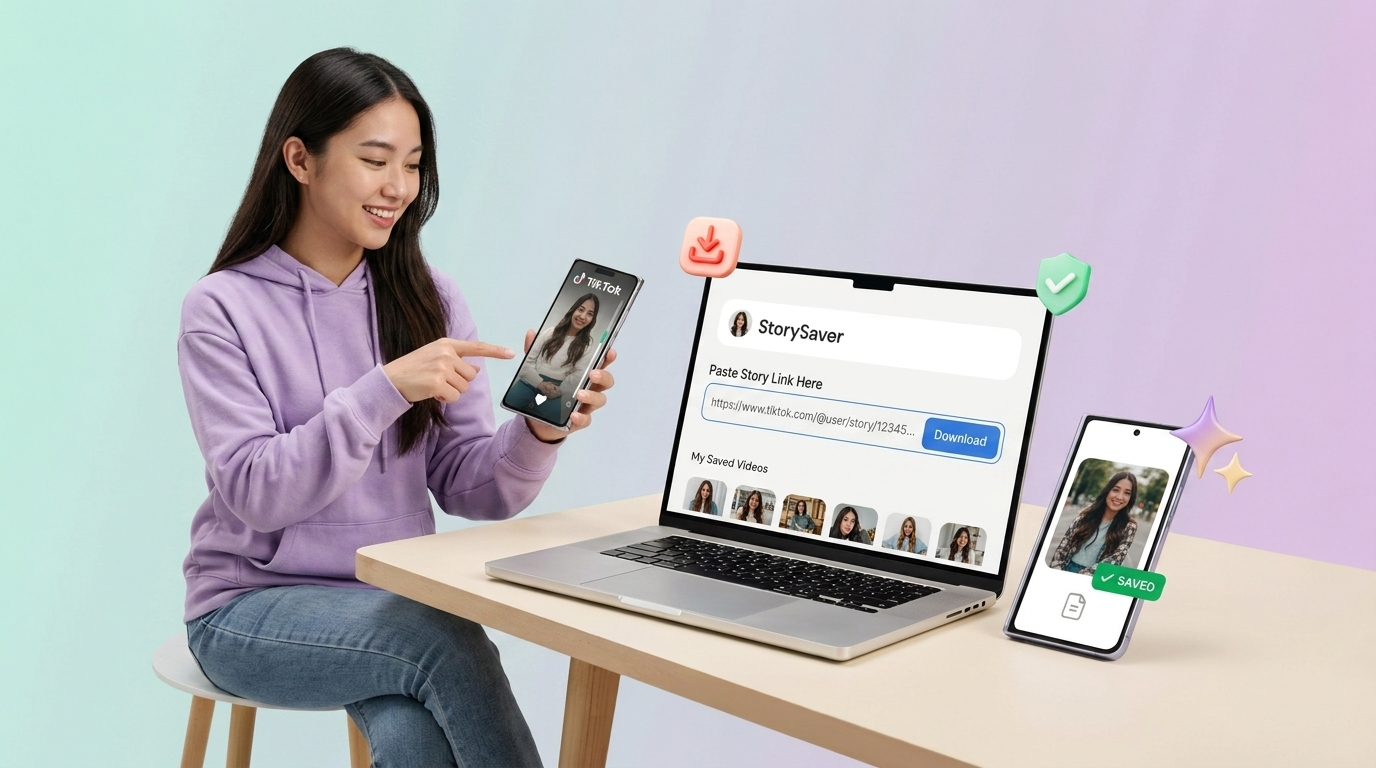
- Open a TikTok profile picture downloader — a tool built specifically for this task.
- Enter the username or paste the link into the tool.
- Preview the image the tool retrieves, confirming it's the right account.
- Select the available quality option, if more than one is offered.
- Save the file to your device.
Interfaces vary slightly between tools, but this general sequence holds across most of them: identify the account, retrieve the image, confirm it, save it. Nothing about the process requires technical skill or special permissions beyond what's already publicly visible on the profile.
Doing This on Phone vs Desktop
On iPhone or Android, the workflow stays inside your browser. Copy the profile link from TikTok's share menu, switch to your browser, paste it into the downloader, and save the resulting image — typically to your Photos app or a Downloads folder, depending on your phone's settings.
On desktop, same process, just quicker to navigate with a mouse and keyboard. Already browsing TikTok on desktop? Copying the profile URL straight from the address bar works just as well as digging through the app's share option.
Neither platform wins on image quality — the file depends on the source image, not which device asked for it.
Screenshot vs Direct Download — Why It Matters
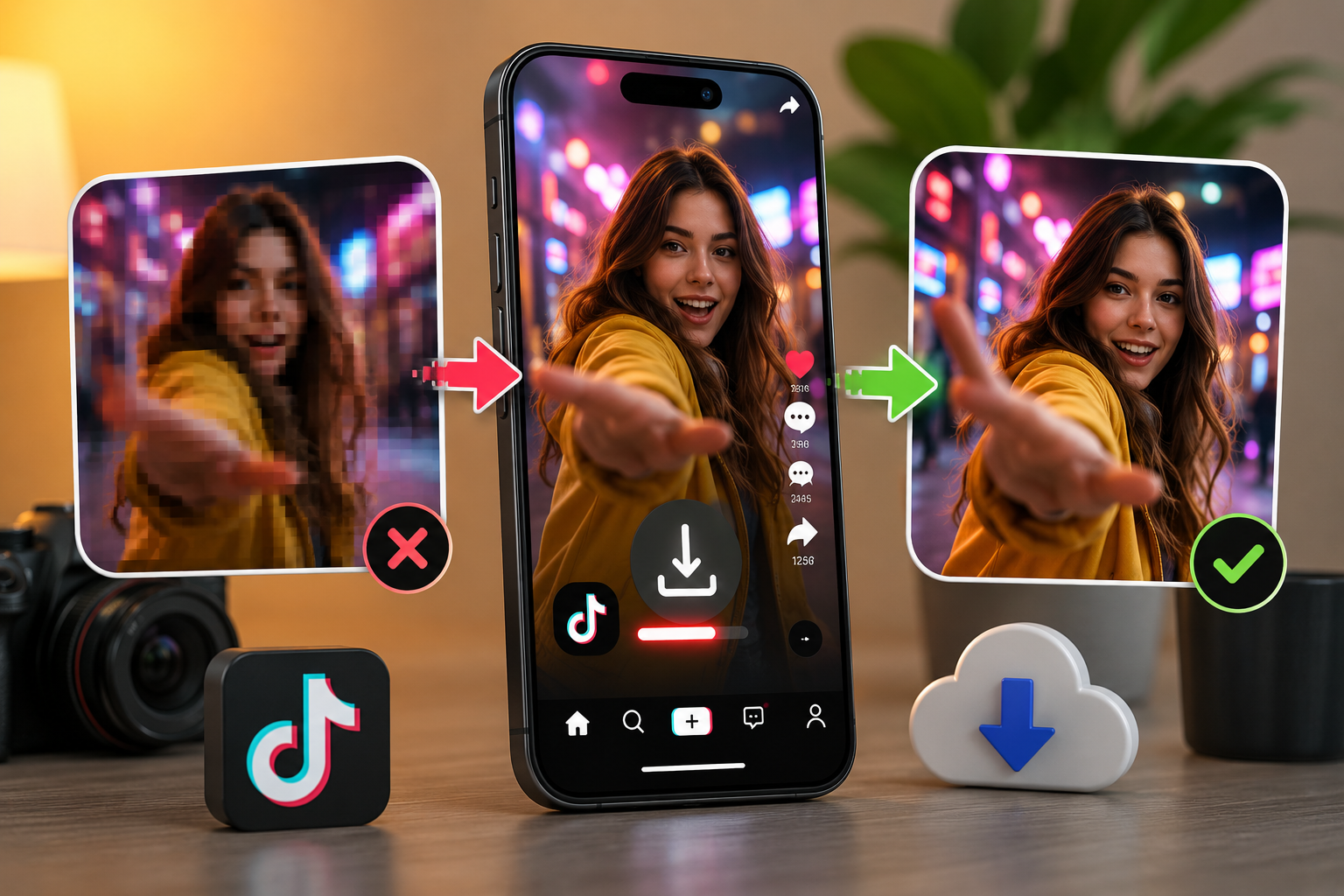
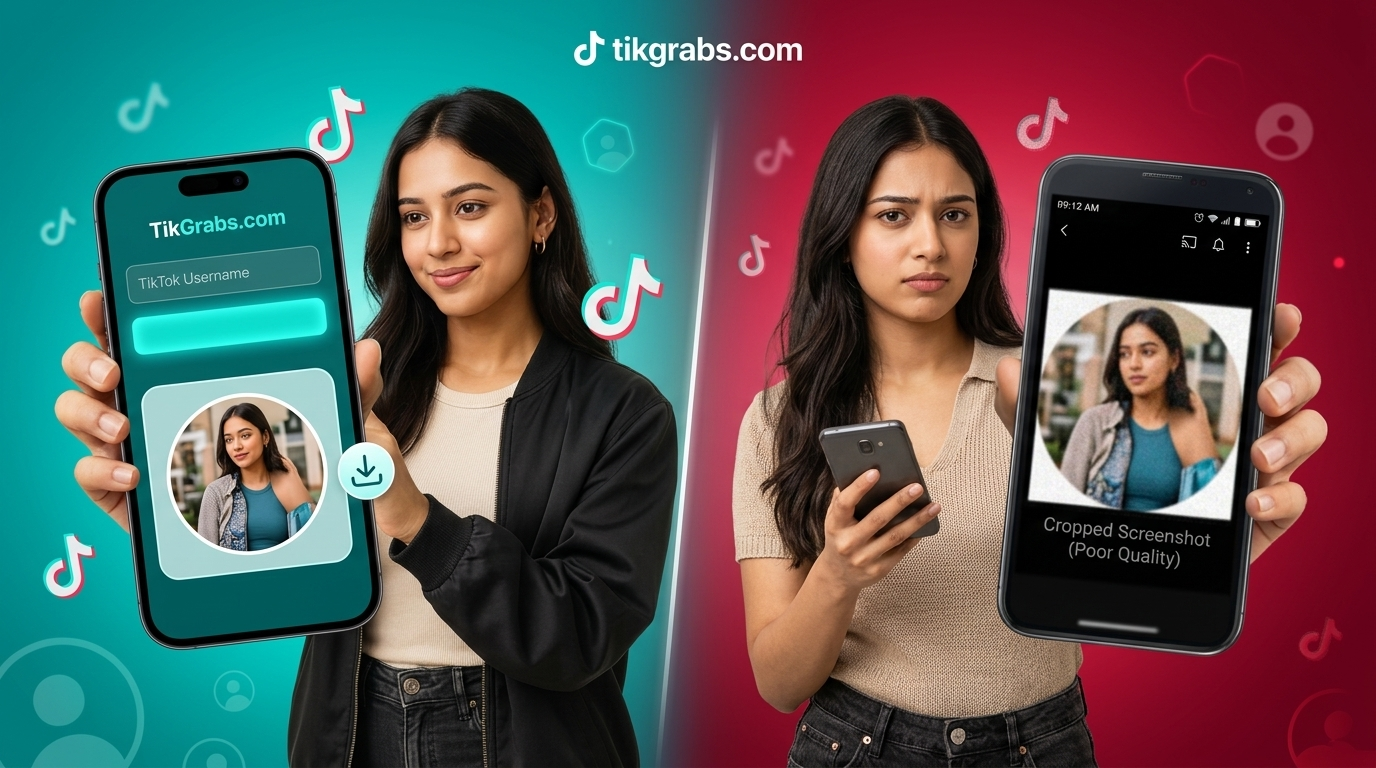
A screenshot grabs whatever's on your screen at that exact moment: your display's resolution, your device's own compression, occasionally a sliver of TikTok's interface if the timing's slightly off. None of that is the actual profile picture file. It's a photo of a photo, several steps removed from the source.
A direct download skips all of it. Rather than capturing your screen, it retrieves the image TikTok is actually storing — no rendering, no compression from your device sitting in between. Three places the difference shows up: resolution (no forced downscaling to fit your screen), cleanliness (no accidental interface elements), and editing flexibility (a clean source file crops and resizes far better than a screenshot already compressed twice). For the fuller breakdown, here's a closer look at why a downloader beats screenshotting.
Common Mistakes People Make
Assuming every result will be 4K. As covered above, output quality depends on the source. Expecting a uniform 4K result regardless of the original upload leads to unnecessary disappointment.
Using screenshots for anything beyond a quick, casual glance. Fine for a throwaway purpose, but a poor choice whenever the image needs to look clean or be edited later.
Ignoring whether the account is public. Downloader tools can only retrieve what's already publicly visible — the same restriction that applies to viewing a private account's content inside the app itself.
Not previewing before saving. Skipping the preview step occasionally leads to saving the wrong account's image entirely, especially with similar usernames.
Privacy and Responsible Use
A profile picture being publicly visible doesn't mean it comes with unlimited rights to reuse it however you like. The image still belongs to whoever uploaded it. Saving one for personal reference is generally uncontroversial, but reposting it, using it commercially, or presenting it as your own crosses into different territory — one that depends on copyright and the platform's own rules around impersonation and misuse. When the intended use goes beyond casual personal reference, checking in with the account owner is the simplest way to stay on solid ground.
Frequently Asked Questions
Can every TikTok profile picture be downloaded in 4K?
No. What's actually possible depends on the resolution the account owner originally uploaded. A downloader retrieves the highest-quality version available, not a guaranteed 4K file regardless of source.
Is a downloaded profile picture better quality than a screenshot?
Generally, yes. A direct download skips the extra compression and cropping that come from capturing your own screen, and it won't accidentally grab any interface elements along the way.
Do I need an app to download a TikTok profile picture?
No. Most reliable tools run straight in a browser — phone or desktop — no app install, no account needed.
Can I download a private account's profile picture?
No. Only public profile pictures are retrievable this way — same restriction as viewing private content inside TikTok itself.
Is it legal to download and use someone's TikTok profile picture?
Saving one for personal reference, generally fine. Reusing it publicly, commercially, or in a misleading way is a different issue tied to copyright and platform rules. Not sure? Ask the account owner.
The Practical Takeaway
Getting a better TikTok profile picture isn't really about finding a button labeled "4K." It's about understanding what's actually achievable. A dedicated downloader gets you the highest-resolution version TikTok has stored — a real, noticeable improvement over a screenshot in almost every case. Whether that happens to be true 4K comes down to what was originally uploaded, not the tool doing the retrieving. Choose a method that's transparent about that distinction, and use whatever you download with the same respect you'd want shown to your own images.
Verwandte Beiträge
Bereit zum Download?
Fügen Sie einen öffentlichen TikTok-Link ein und speichern Sie ein sauberes MP4, MP3, Story oder Diashow.
Video-Downloader öffnen