
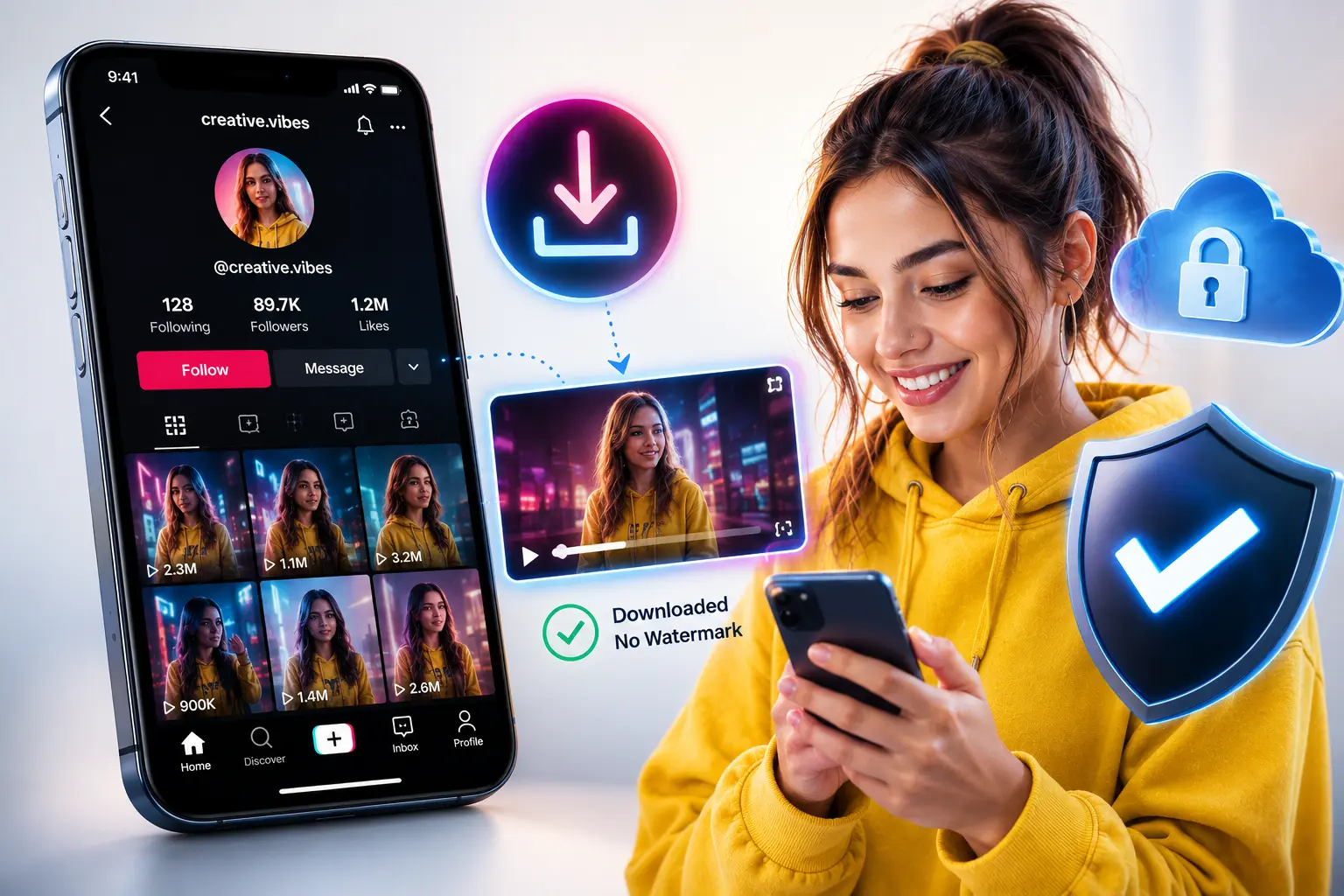
Is Using a TikTok Video Downloader Safe? What You Need to Know
A practical, no-hype breakdown of whether TikTok video downloaders are actually safe, plus a step-by-step saving guide and data-protection best practices.
That question — is a TikTok video downloader actually safe to use — comes up a lot more than people admit, and for good reason. These things have actually happened. One case involved a group of malicious Chrome and Edge extensions built to look like normal watermark-free TikTok downloaders — over 100,000 people ended up affected, with the extensions quietly pulling data in the background and pinging outside servers without anyone noticing. So no, the worry isn't paranoid. It's grounded in something real.
That said, the honest answer isn't "every TikTok video downloader is a trap" and it isn't "don't worry about it, they're all fine" either. It sits in the middle, and which side you land on depends almost entirely on the specific tool you pick and how it's built. Let's go through it properly.
So, Is It Actually Safe?
Short answer: it can be, though it's not automatic. Here's the part people usually get wrong — the video file itself basically never causes problems. A plain MP4 doesn't have much room to hide anything harmful in it. What actually gets people isn't the file. It's everything surrounding it on the page before you get to it.
Picture the last sketchy downloader page you stumbled onto. Chances are there was a cluttered mess of ad buttons, a couple of them purposely styled to look almost identical to the real "Download" button, maybe a pop-up telling you to "update your player" before continuing. That whole setup is where the danger sits — not in the clip you're trying to save, but in a layout designed to get you clicking the wrong thing.
Simplest rule I can give you: the less a site asks of you — fewer clicks, no installs, nothing to hand over — the safer it tends to be. A well-built tiktok video downloader takes your link, spits out a file, done. That's the entire interaction, start to finish.
Common Risks You Should Actually Watch For
Requests for your TikTok login. There's zero legitimate reason a downloader would need your username or password to pull a public video. If a site is asking you to log in through your TikTok account before it'll give you anything, walk away — that's not a normal step, that's a warning.
Being told to install an app or browser extension. This is literally the pattern behind that 130,000-user incident — tools that looked like ordinary download helpers but were harvesting data behind the scenes. A browser-based option runs entirely on its own servers and just hands you a finished file; it has no reason to sit permanently installed on your device. The second something demands an install before it'll even function, that's your cue to close the tab.
Pages buried in ads and misleading buttons. Multiple fake "Download Now" prompts scattered around the real one, constant pop-ups, or sudden redirects toward unrelated software — these are textbook red flags. Best case, it's just irritating. Worst case, you click through to something you never actually meant to open.
Apps requesting permissions that have nothing to do with saving a video. Contacts, location, deep storage access — none of that is needed just to grab a clip. A real downloader has no business asking for it, so if one does, take that seriously.
Claims about downloading private videos. This is a straightforward one. It's false, every single time. Private or region-locked content is locked for everyone, regardless of which tool you throw at it. Any site that promises otherwise is usually the same site cutting corners everywhere else too.
How to Save TikTok Videos to Your Camera Roll (Complete Guide)
Say you just want a video saved without overthinking it. Here's roughly what that process looks like on most tools that actually behave themselves:
- Open the TikTok clip you're after, either straight in the app or through the browser.
- Hit the Share icon — it's the arrow off to the right side of the video.
- Tap "Copy Link." That grabs the direct URL for the clip.
- Drop that link into a browser and head to a site you trust — this dedicated no-watermark tool is one example — and paste it in.
- Choose your settings. Most tools let you pick watermark or no watermark, sometimes SD versus HD too.
- Hit Download. Where it ends up depends on your phone, but usually it drops straight into your downloads folder or gallery.
- Pop open your Camera Roll or Gallery app and check it landed. Android tends to handle this on its own; iPhone users might need to peek in the Files app, or say yes if the browser asks to save directly to Photos.
A few things worth keeping in the back of your mind while you're doing this:
- No downloader should ever ask you to log into TikTok. The public link does the whole job by itself.
- If a step suddenly wants you to install something, that's not normal — a proper browser tool skips that entirely.
- Not every tool preserves quality the same way. Some squash the file down pretty hard, which is annoying if you're planning to edit or repost it later.
- Saving something doesn't hand you the rights to repost it as your own work — worth a second thought before you share someone else's clip further.
Best Practices for Downloading TikTok Videos Without Risking Your Data
Once you get the risks, staying safe really just comes down to a handful of habits you repeat without thinking too hard about it.
Pick browser tools over anything you have to install. Something running in a tab, doing all its work on a server somewhere, just doesn't have the same reach into your device that an installed app does. If a site does the job fine without asking you to install anything, don't add that extra step yourself.
Your TikTok login stays inside TikTok. Full stop. I know I keep coming back to this, but it's because it's the one thing that separates a legit tool from a scam almost every time. A public link is all a downloader ever needs.
An ad blocker goes a long way here. These sites often rely on ad revenue, which is fine in itself, but a decent blocker quietly removes most of the fake buttons and pop-up traps that catch people off guard.
Actually glance at the URL before you trust it. Clones of popular downloaders pop up all the time. A weird domain ending, a typo in the name, or a chain of redirects before anything loads — any of those is reason enough to back out and just search for the real site by name.
Skip permissions that don't make sense for the task. Notification access, contacts, whatever it's asking for — if it doesn't map onto "save this video," there's no reason to say yes.
Any promise about private video downloads is a red flag, not a selling point. It's not something these tools can genuinely do, so a site claiming it can usually tells you a lot about how honest the rest of the page is.
Keep your browser and OS current. This isn't specific to downloaders at all, but outdated software is exactly what these shadier sites tend to exploit.
Frequently Asked Questions
Can a TikTok downloader site put a virus on my phone just from downloading a video?
Not usually. A plain video file just doesn't have much room to smuggle anything harmful. Where things actually go wrong is misleading buttons, pop-ups you didn't ask for, or getting talked into an app or extension that had no business being installed in the first place.
Is it safe to download TikTok videos on iPhone?
Pretty much, yeah, as long as you're sticking to something browser-based and not sideloading anything outside the App Store. iOS keeps a tighter leash on what apps can touch, so a lot of the risk you'd see elsewhere just doesn't apply the same way here.
Do TikTok video downloaders ever need my TikTok password?
They shouldn't, ever. A public link is the only thing a real downloader needs. If something's asking for your login on top of that, that's not a normal ask — treat it as a dealbreaker.
Why do some downloader apps ask for so many permissions?
Because plenty of them are built to grab more than the task really calls for. Saving a clip doesn't need your contacts, your location, or extra storage access beyond the file itself. Anything past that is the app reaching for more than it should.
Can I download a private TikTok video if I have the link?
Nope. Private or region-locked content stays that way regardless of what tool you throw at it. If a site claims otherwise, that's usually a sign the rest of what it's telling you isn't reliable either.
Are browser extensions for downloading TikTok videos safe?
Some hold up fine, but this specific space has had real problems — there was a case where a batch of extensions pretending to be TikTok downloaders ended up quietly pulling data from more than 100,000 people. Sticking with tools that never ask for an install cuts that risk down a lot.
Does downloading a TikTok video without a watermark add any extra risk?
Not by itself, no. Removing a watermark isn't what makes something risky or safe. It comes back to the same checklist every time — no login demanded, nothing to install, and a clean, direct path to the file.
Is it legal to download and repost TikTok videos?
Downloading for yourself, personal use, generally isn't a problem. Passing someone else's video off as your own once you repost it is where things get murkier and can run into copyright trouble. If you do plan to share it further, giving credit to whoever made it, or just asking first, keeps you on safer ground.
What It All Comes Down To
Using a TikTok video downloader isn't dangerous by default. The clip you're saving was never really the threat — the page wrapped around it is. A tool asking for nothing but a link, offering one obvious button, and skipping the install request is, practically speaking, a low-risk way to grab a video. A tool pushing for your login, insisting on an extension, or hiding the real download button behind five decoys is where things actually go wrong.
Spending a few seconds actually reading the page before clicking anything is, more or less, the entire safety strategy here. It's not complicated once you know the pattern to look for.
Publicaciones relacionadas

¿Listo para descargar?
Pega un enlace público de TikTok y guarda un MP4, MP3, historia o presentación limpios.
Abrir descargador de video