
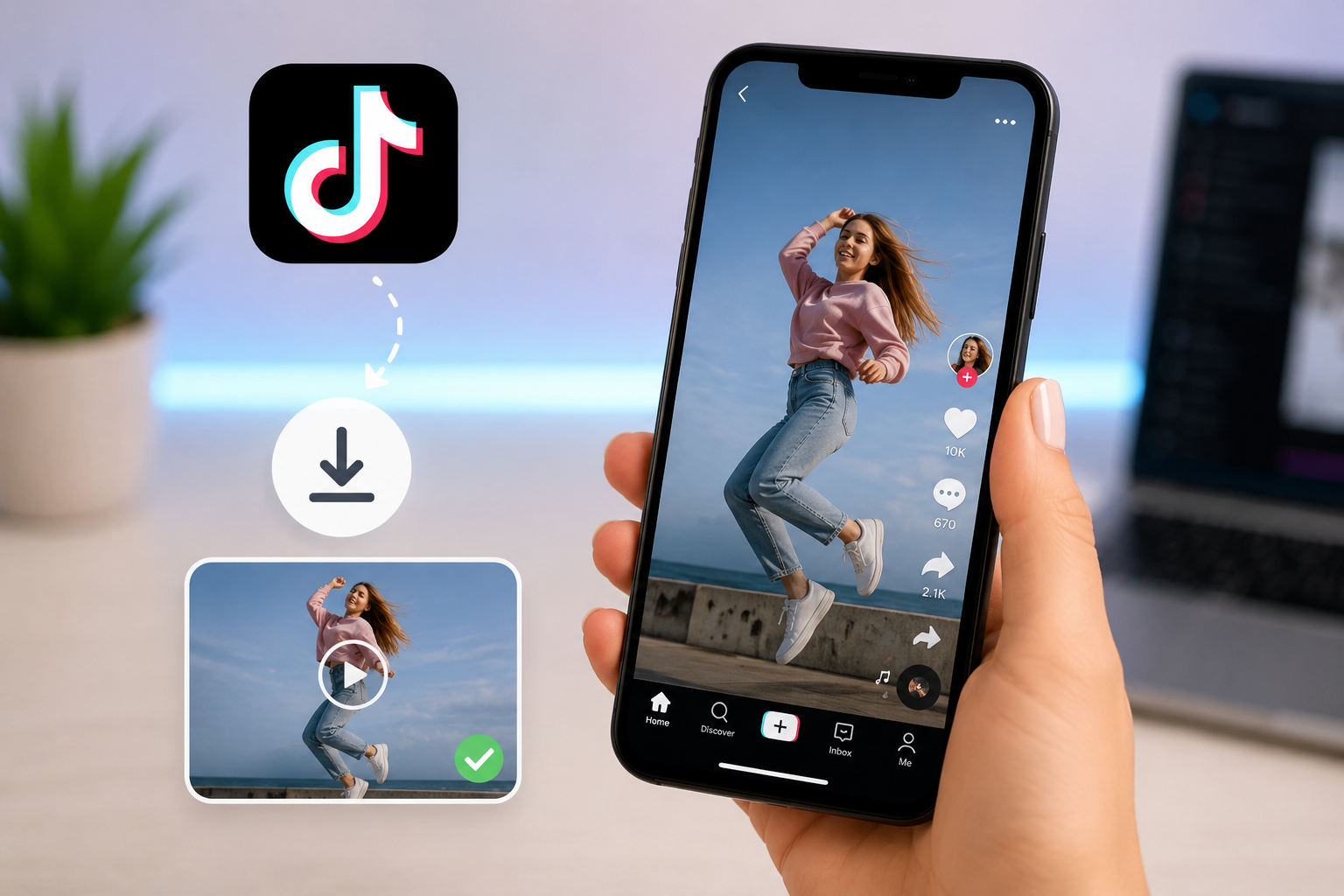
How to Save TikTok Video Without Watermark the Right Way
A step-by-step, honest guide to saving TikTok videos without the watermark — how it actually works, which methods deliver, and how to do it safely on any device.
If you've ever saved a TikTok video the "normal" way — using TikTok's own save button — you already know the problem. You get a stamped username in the corner, a small TikTok logo watermark, and a file that looks noticeably softer than what played on your screen. That's fine for casual reposting, but it's not what you want if you're saving a clip for editing, archiving, or reposting somewhere the watermark just doesn't belong. If you actually want to save a TikTok video without watermark, in a way that holds up for editing or archiving, the in-app save button isn't going to get you there.
This guide walks through what actually causes that watermark, which methods genuinely remove it, and how to save TikTok video without watermark properly on any device — without installing anything shady or trusting a tool that quietly does less than it claims.
Why Does TikTok Add a Watermark in the First Place?
The watermark — TikTok's logo plus the creator's username — is added deliberately, not as a byproduct of compression. It exists to protect creators: if a video gets reposted to Instagram, YouTube, or anywhere else, the watermark keeps the original creator's name attached and makes it clear where the content came from.
That's a reasonable goal from TikTok's side, but it creates a real problem for legitimate use cases — creators repurposing their own content, archiving a video before it gets deleted, or saving something for personal offline viewing. In-app saving bakes the watermark directly into the video frame, so once it's there, it can't be edited out without either cropping into the video (losing part of the frame) or starting from a cleaner source entirely.
Does TikTok's Save Button Remove the Watermark?
No. Tapping Save video inside the TikTok app gives you a file with the watermark baked in, every time. There's no in-app setting or hidden option to save a clean version — the only way to get a version without the watermark is to pull the video from outside the app, before TikTok compresses and stamps it for the standard "save" export.
How Downloader Tools Actually Remove the Watermark
This is the part most guides skip. A watermark-free download isn't "removing" anything from an existing file — it's retrieving a version of the video that never had the watermark applied to begin with.
When you post a video, TikTok stores the original file on its servers. The version you see when scrolling the app, and the version you get from the in-app save button, are both processed copies — compressed for streaming, with the watermark overlay added during that processing step. A proper downloader tool works by requesting the source file directly from TikTok's servers using the video's public link, before that watermark-and-compress step happens. What you get back is closer to the original upload: cleaner, sharper, and without the logo baked in.
This is also why quality genuinely differs between methods. A tool pulling the true source file will give you a noticeably better result than one that's effectively just automating a screen recording or cropping out the watermark region — cropping removes the logo but also crops your frame, and a screen recording introduces its own compression on top of TikTok's.
Methods to Save TikTok Video Without Watermark
Here's an honest comparison of the actual methods people use, and how each one really performs.
| Method | Removes Watermark? | Quality | Setup Required |
|---|---|---|---|
| TikTok's built-in save button | No | Compressed, watermarked | None |
| Screen recording | No (visible in recording) | Lower — double compression | None |
| Cropping the video after saving | Removes logo visually | Loses part of the frame | Video editor |
| Browser-based downloader tool | Yes | High — near source quality | None |
| Downloader app/APK | Yes (varies by app) | Varies, often lower than web tools | App install, some risk |
| Browser extension | Yes (varies) | Varies | Extension install |
The two methods worth actually using are a browser-based downloader tool or, less commonly, a well-reviewed browser extension. Both retrieve the source file rather than manipulating an already-watermarked copy.
How to Save a TikTok Video Without Watermark (Step-by-Step)
The process is essentially the same across devices — the only difference is which app you're copying the link from.
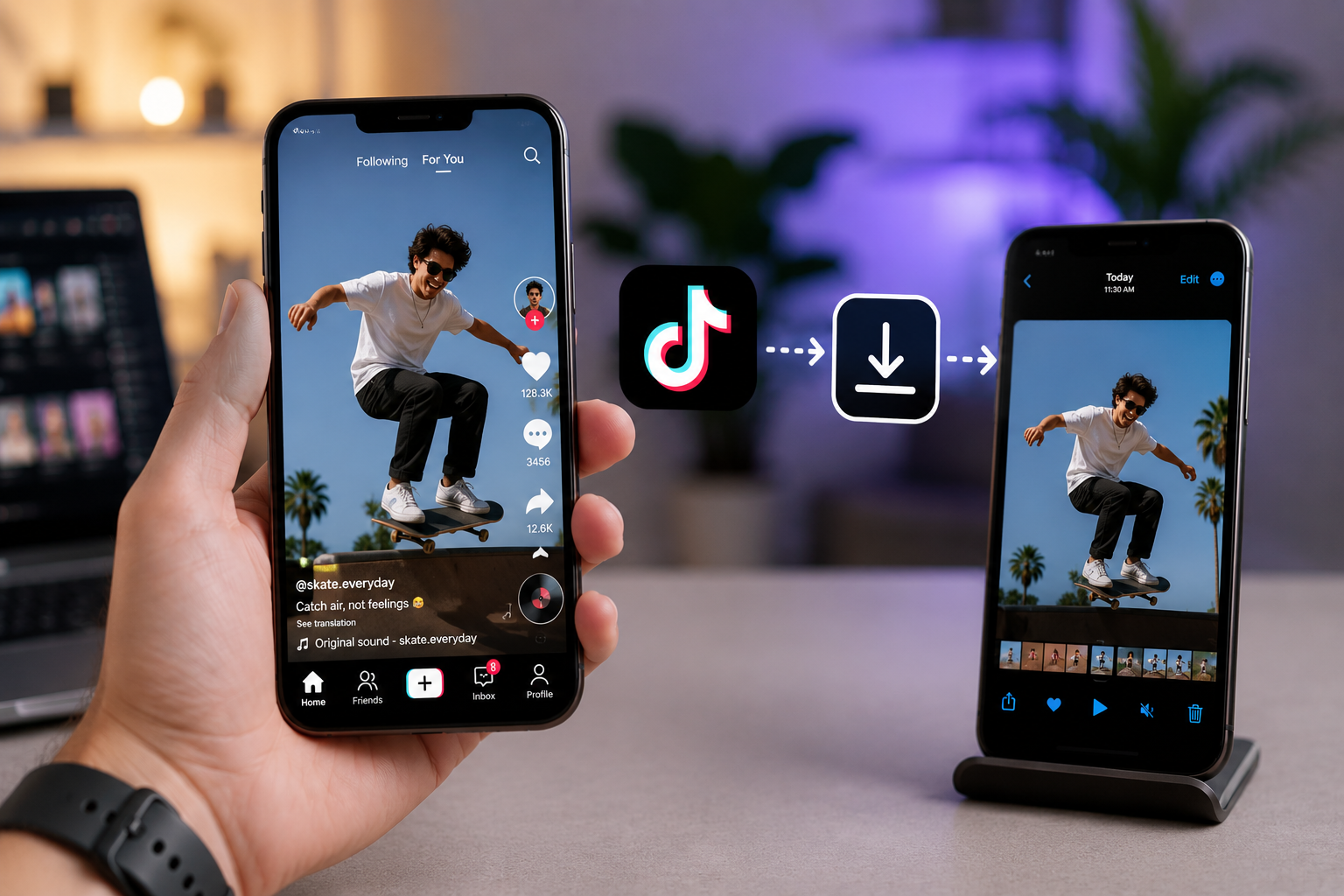
Step 1: Copy the Video Link
- Open the TikTok video you want to save.
- Tap the Share icon (the arrow, usually on the right side of the screen).
- Tap Copy link.
Make sure you're copying the link from the video itself, not from a comment or a duet — those links point to different content and won't work correctly.
Step 2: Open a Downloader Tool
Paste the copied link into a TikTok video downloader that works directly in your browser. There's no app to install and no account to create — you paste the link and the tool retrieves the source file for you.
Step 3: Choose Your Download Option
Most tools will show you a preview of the video along with a couple of format choices — typically standard MP4 (no watermark) and sometimes an HD or higher-resolution option if the source supports it. Select the option without the watermark.
Step 4: Download and Save
Tap or click download. On mobile, the file usually saves to your Photos or Files app automatically. On desktop, it goes to your default Downloads folder. Once it's finished, open the file to confirm it saved correctly and plays without issue.
How to Do This on iPhone
- Open TikTok and copy the video link (Share → Copy link).
- Switch to Safari (or any browser) and go to your downloader tool.
- Paste the link and tap Download.
- Choose the no-watermark MP4 option.
- The video saves to your Photos app or, depending on the tool, prompts a save location.
No app installation is required — everything happens through the browser, which also avoids the App Store review restrictions that limit what dedicated "TikTok downloader" apps are actually allowed to do.
How to Do This on Android
- Copy the video link from TikTok's Share menu.
- Open Chrome or any browser and go to your downloader tool.
- Paste the link, tap Download, and select the no-watermark option.
- The file saves to your Downloads folder, or directly to your gallery depending on your browser's download settings.
How to Do This on PC or Mac
- Open the TikTok video in your browser (or copy the link from the mobile app and send it to yourself).
- Paste the link into your downloader tool.
- Select the no-watermark MP4 option and click Download.
- The file saves to your browser's default download location.
Desktop downloads are generally the fastest of the three, since you're not limited by mobile browser download restrictions.
What Quality Should You Expect?
A downloader tool pulling the source file typically gives you a result close to what the creator originally uploaded — usually 720p to 1080p depending on how the video was posted. This is a meaningful step up from TikTok's in-app save, which re-compresses the video specifically for the smaller, watermarked export.
That said, no downloader can exceed the quality of what TikTok actually stores. If a creator originally uploaded a lower-resolution clip, no tool will "upscale" it into something better — you're getting the best version that exists, not a quality improvement beyond the source.
Common Problems and How to Fix Them
The link doesn't work in the downloader Double-check you copied the link from the video's Share menu, not from the address bar of a redirected page. Re-copy directly from TikTok and try again.
The download has no sound This is rare, but can happen if the video's audio was removed or muted by the creator, or if a specific "silent" template was used. Try opening the original TikTok link to confirm the video actually has audio.
The video is private and won't download Only public videos can be downloaded this way. If the account is private, the tool won't be able to retrieve the source file — this is a restriction on TikTok's end, not something any downloader can bypass.
Quality looks lower than expected Some videos are uploaded at lower resolution by the creator to begin with. Check the original TikTok post's clarity — if it looks soft there too, that's the actual source quality.
Download link stops working before I save it Download links generated by these tools are usually only active for a short window. If you generated a link and didn't download right away, simply paste the TikTok URL again to get a fresh one.
Is It Safe to Use a TikTok Watermark Remover?
Safety depends heavily on which type of tool you use. A browser-based tool that requires no login, no app install, and no permissions beyond pasting a link carries minimal risk — it's not accessing your device, your TikTok account, or your personal data. It's simply fetching a public video file using a link you provide.
Standalone downloader apps and browser extensions deserve more scrutiny. Before installing either, check what permissions they request — a downloader app asking for contacts, messages, or broad device access has no legitimate reason to need that. When in doubt, a browser-based tool avoids the question entirely, since there's nothing to install.
Is It Legal to Save TikTok Videos Without Watermark?
Saving a public TikTok video for personal use — offline viewing, reference, or your own archive — is generally not a legal problem. Where it becomes an issue is redistribution: reposting someone else's content as your own, removing their credit, or using their video commercially without permission crosses into copyright and TikTok Terms of Service territory.
If you're saving your own content to repurpose across platforms, or saving something for private, personal use, you're on solid ground. If you're planning to repost someone else's video elsewhere, keep their credit visible and, where possible, get permission first — especially for anything used commercially.
Frequently Asked Questions
Can you actually remove a TikTok watermark, or does it stay hidden in the file? A proper downloader tool retrieves the video before the watermark is applied, rather than removing it from an already-watermarked file — so the final download genuinely has no watermark baked into the frame.
Why does my downloaded TikTok video still have a watermark? This usually means the video was saved through TikTok's built-in save option rather than a dedicated downloader tool, or the tool used doesn't actually support watermark-free downloads despite claiming to.
Do I need to install an app to save TikTok videos without a watermark? No. Browser-based tools handle the entire process without any installation — you paste a link and download directly.
Will the video quality be lower without the watermark? No — if anything, a watermark-free download is usually higher quality than TikTok's in-app save, since it comes from the source file rather than a re-compressed, watermarked export.
Can I save a private TikTok video without a watermark? No. Only public videos can be retrieved this way. Private account content is restricted by TikTok itself, regardless of which tool you use.
Is there a limit to how many videos I can save without a watermark? Most browser-based tools don't impose a hard limit, though very heavy, rapid usage may occasionally trigger a temporary slowdown on the tool's end.
Does saving a video without a watermark notify the creator? No. TikTok doesn't notify creators when their public videos are viewed, saved, or downloaded through outside tools.
Can I save TikTok videos without a watermark on iPad? Yes — the process is identical to iPhone: copy the link in the TikTok app, open a downloader tool in Safari, paste, and download.
Why do some downloader tools ask me to install something? Browser-based tools don't need to. If a site pushes you toward installing an app or extension before you can download, that's a sign to be cautious — a legitimate no-watermark download shouldn't require anything beyond pasting a link.
Can I save a TikTok Live replay without a watermark this way? Live replays behave differently from regular posts and may not always be supported by every downloader tool, depending on whether TikTok exposes a direct file for that specific replay.
Does the no-watermark version include the original caption or hashtags? No — downloaded video files only contain the video and audio itself. Captions, hashtags, and comments aren't part of the video file and need to be noted separately if you want to keep them.
Why is my download taking a long time? Longer videos or higher-resolution sources naturally take more time to process. If it's taking unusually long, try refreshing and pasting the link again.
Final Thoughts
Saving a TikTok video without a watermark isn't about tricking the app or editing out a logo after the fact — it's about retrieving the video the right way, before that watermark ever gets applied. A browser-based tool does exactly that: no installs, no account, no cropped frame, just the source file.
If you're ready to try it, TikGrabs pulls the clean version directly — paste a link, choose the no-watermark option, and the file is ready to save in a few seconds.
Related posts



Ready to download?
Paste a public TikTok link and save a clean MP4, MP3, story, or slideshow.
Open video downloader