TikTok Video Downloader
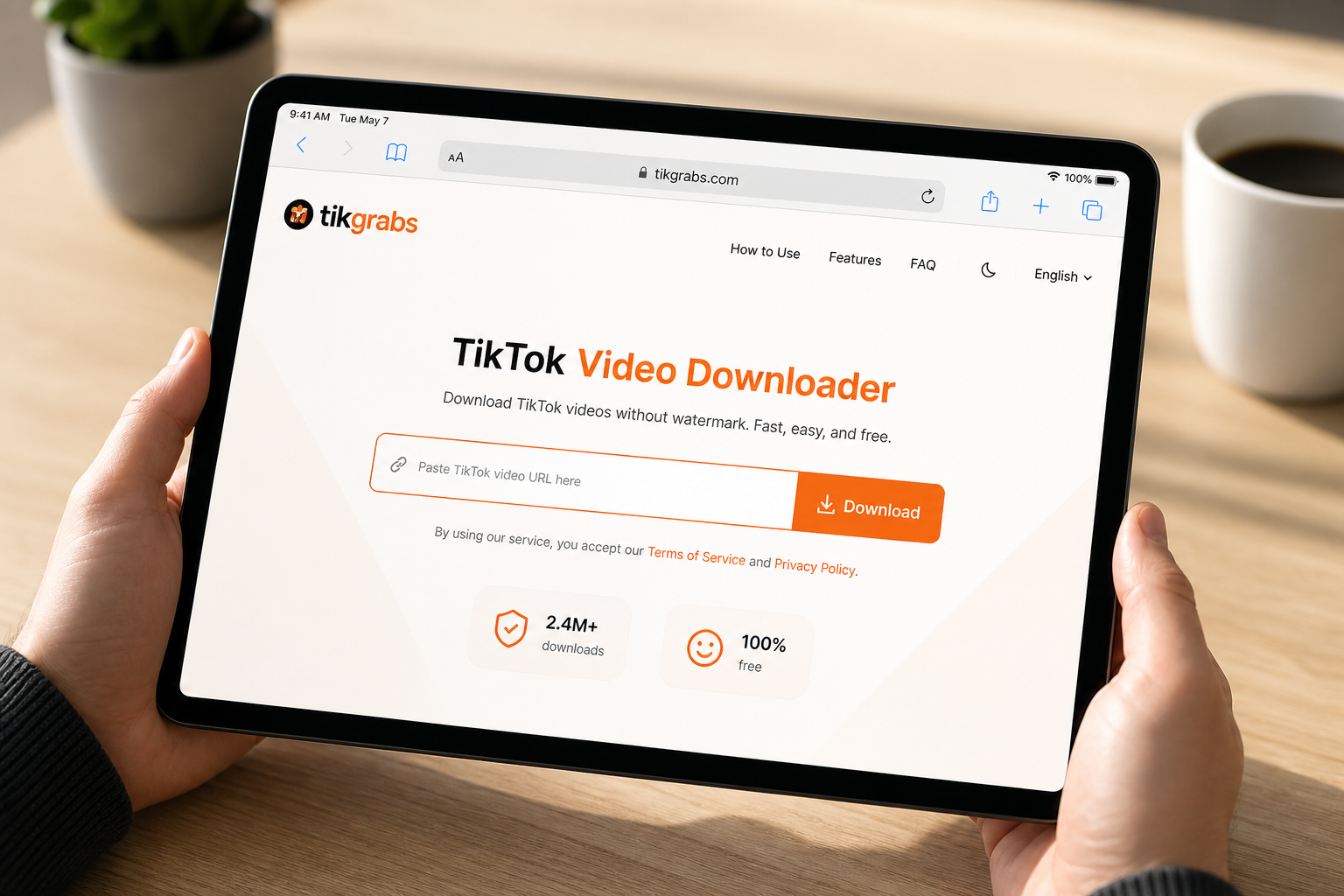
Download TikTok videos without watermark in HD. Paste any public link and save a clean MP4 in seconds — no account, no app install.
Works with tiktok.com and vm.tiktok.com links · Free, no login required · Files ready in seconds
Links expire shortly. Re-paste the TikTok URL if a download stops working.
↩ Download another video
Download TikTok Videos Without Watermark
Every video you save through TikTok's built-in download stamps a watermark and username overlay across the footage. That's fine for casual sharing inside the app, but the moment you want a clean copy for editing, reposting on another platform, or just keeping in your camera roll without the branding, it gets in the way.
Tikgrabs pulls the original video file directly from TikTok's servers before the watermark is applied. Paste a public link into the box above, and you get a clean HD MP4 in seconds — no sign-up, no app download, and no quality loss from recompression.
Whether you're saving a clip for offline viewing, pulling footage for a compilation, or just keeping a favorite video before the creator takes it down, Tikgrabs makes the whole process fast and straightforward on any device.
How to Use Tikgrabs on Different Devices
The steps are almost the same whether you're on a phone or a computer. Here's a quick walkthrough for each platform.
Download TikTok Video on iOS (iPhone / iPad)
- Launch the TikTok app and copy the link of the video you want.
- Open Safari and visit tikgrabs.com.
- Paste the video link into the download box.
- Click the "Download" button and wait a few seconds for processing.
- The download begins as soon as you choose a format (MP4 or MP3).
- Open the Files app or move it to your Photos app for easier viewing.

Download TikTok Video on Android
- Open the TikTok app, find the video, tap Share, and choose Copy Link.
- Open Chrome (or any browser) and go to tikgrabs.com.
- Tap the input box and paste the TikTok video link.
- Hit "Download" and pick your preferred format — HD video, no-watermark MP4, or MP3 audio.
- The file saves straight to your Downloads folder, ready to share or keep offline.
- No app installs needed — Tikgrabs works fully in your browser.

TikTok Video Downloader for PC
- Go to TikTok on your browser and copy the video link.
- Open a new tab and visit tikgrabs.com.
- Paste the TT video link into the search box.
- Hit "Download" and choose the format you prefer (HD video or MP3 audio).
- The file saves straight to your Downloads folder, ready to organize, move, or share.
- No apps or software needed, since Tikgrabs works fully online.
Why People Need a TikTok Video Downloader
TikTok videos vanish all the time. A creator deletes a post, an account gets suspended, or a trending clip simply falls off For You and becomes impossible to find again. Others want to save a recipe tutorial, a workout routine, or a product review to watch offline — without the watermark blocking part of the frame and without the quality drop that comes with TikTok's built-in save.
Creators use downloaders to pull their own content for cross-posting to Instagram Reels or YouTube Shorts without a competing platform's logo baked in. A proper TikTok video downloader should handle all of that: paste a link, pick a format, and save the file, without asking for your TikTok login or routing you through pop-ups first.
How to Download a TikTok Video
Save any public TikTok video without watermark in three quick steps. Works the same on phone and desktop.
Why Use Tikgrabs for This
Frequently Asked Questions
Using Tikgrabs the Right Way
Downloading a video takes a few seconds, but it's worth keeping a couple of things in mind. Only public TikTok videos can be downloaded through Tikgrabs — private content isn't accessible outside the account it belongs to, and no legitimate downloader can get around that. Credit the original creator if you're reposting anywhere, since the video is still their work even without the watermark.
Keep personal downloads for offline viewing or reference, not for reuploading someone else's content as your own. And if you're saving something for commercial use, check that you actually have the rights to it first.
Tikgrabs is an independent tool and is not affiliated with TikTok or ByteDance Ltd. We simply help TikTok users save the videos, photos, and audio they already have access to, without the watermark and without the hassle.
More TikTok Tools
Need something else? Jump to another Tikgrabs downloader.