How to Convert TikTok Videos to MP3
Extract songs, original sounds, voiceovers, and trending audio from any public TikTok — free, in your browser, without installing an app.
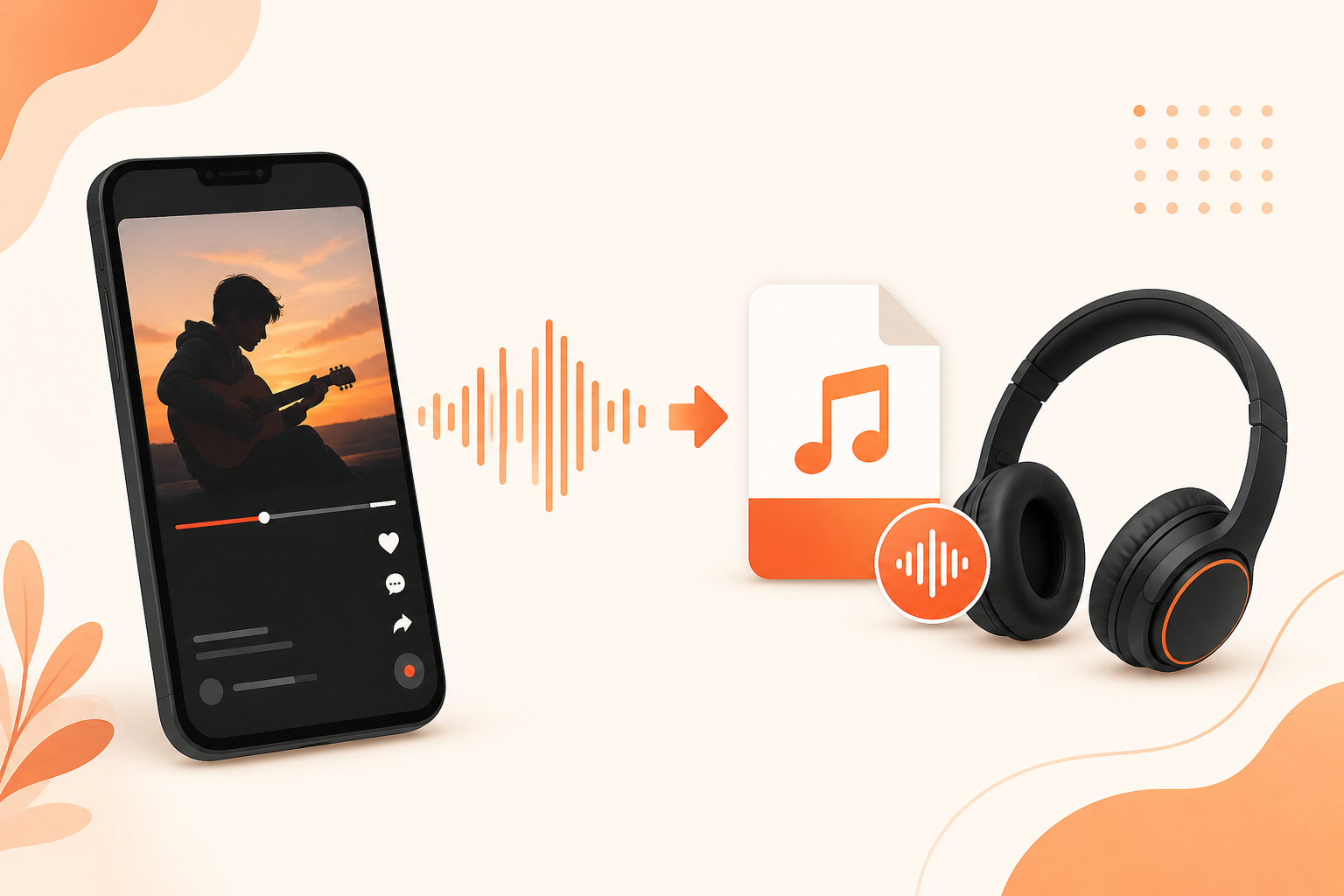
TikTok is one of the biggest music discovery platforms on the internet. A clip might be a full song, a 15-second sound bite, a creator’s voiceover, or an original beat — and sometimes you want that audio offline, in a playlist, or saved before TikTok rotates the trend. Screen recording kills quality and captures notification sounds. Converting the video to MP3 pulls the actual audio track TikTok already streams, which sounds cleaner and takes less storage.
This guide shows the fastest reliable workflow using {{siteName}}’s MP3 tool. No account, no browser extension, and no re-encoding through a sketchy app store download.
What you’ll need
- A public TikTok video link (the sound must come from a video you can open without logging in)
- Any modern browser on phone, tablet, or desktop
- About 30 seconds — copy link, paste, download
Private videos, friends-only posts, and draft clips cannot be converted because their media URLs are not publicly reachable.
Step 1 — Copy the TikTok video link
- Open TikTok and play the video that contains the sound you want.
- Tap Share (arrow icon).
- Tap Copy link.
Short links like vm.tiktok.com/… and full tiktok.com/@user/video/… URLs both work. If someone sent you the link in iMessage, WhatsApp, or Discord, long-press and copy from there instead.
Step 2 — Paste into the {{siteName}} MP3 converter
- Open {{siteName}}’s TikTok MP3 page in your browser.
- Paste the link into the input box.
- Tap or click Download.
- When the preview loads, choose MP3 and save the file.
{{siteName}} reads the public video metadata, locates the audio stream, and packages it as an MP3 you can open in Spotify local files, Apple Music, VLC, or any music player.
Step 3 — Save the MP3 on your device
iPhone / iPad
Safari usually saves downloads to the Files app first. Tap the download banner → open the file → Share → save to Files or import into a music app that accepts local files. See our iPhone download guide for Safari tips.
Android
Chrome saves MP3s to the Downloads folder. Swipe down the notification shade and tap the completed download, or open Files → Downloads. Most music players scan that folder automatically.
Desktop (Windows / Mac / Linux)
Your browser will prompt for a save location or drop the file in your default Downloads folder. Rename it if you like — the default filename usually includes the creator handle for easy sorting.
What kind of audio can you extract?
- Licensed songs — chart hits attached to dance or lip-sync videos
- Original sounds — creator-made clips that became memes or trends
- Voiceovers and dialogue — spoken-word clips, tutorials, comedy bits
- Ambient or mixed audio — anything baked into the video’s soundtrack
The MP3 reflects the audio TikTok serves for playback. It is not a separate “stems” export — if the video has heavy reverb or a voice layered over music, you get the combined mix.
Tips for better results
- Use the original post when a sound went viral through duets. The root video link often resolves faster and matches the full-length audio.
- Bookmark the MP3 tool — add {{siteName}} to your home screen so converting a sound you hear in the wild takes one tap.
- Check volume before saving — preview the video in TikTok first. Extremely quiet uploads stay quiet in the MP3.
- Refresh stale links — TikTok signs media URLs for a short window. If a download fails after you leave the tab open, paste the TikTok link again.
- Prefer MP3 over screen recording — recording captures speaker noise, compression artifacts, and UI sounds; direct extraction does not.
Troubleshooting
“Video not found” or empty preview
The post is likely private, deleted, region-blocked, or age-gated. Open the link in a private browser tab while logged out — if TikTok asks you to log in or says unavailable, {{siteName}} cannot fetch it either.
Download starts then fails
Copy a fresh link from TikTok and retry. On mobile, disable content blockers for {{siteName}} if your browser uses aggressive tracking protection that blocks CDN requests.
MP3 is shorter than expected
TikTok videos cap at a few minutes. The MP3 matches the video length, not the full song on Spotify. For complete tracks, support the artist through official stores or streaming services.
File won’t play on iPhone
Open it in VLC for iOS, or import through the Files app into an app that supports local MP3. Apple’s Music app requires a Mac sync or third-party import for arbitrary files.
MP3 vs downloading the full video
If you only need audio, MP3 saves data and storage. If the visual matters — choreography, on-screen lyrics, or a slideshow — grab the MP4 instead from the main video downloader. {{siteName}} offers both from the same pasted link.
Use audio responsibly
Extracting public audio for personal offline listening is a common workflow, but it does not grant copyright ownership. Licensed music still belongs to labels and publishers; original sounds belong to their creators. Do not re-upload someone else’s work as your own, use commercial tracks in monetized content without permission, or distribute files you do not have rights to. When in doubt, credit the creator and use official releases for commercial projects.
Convert a TikTok to MP3 now
Paste any public TikTok link and download clean audio in seconds — free, no login required.
Open MP3 converter